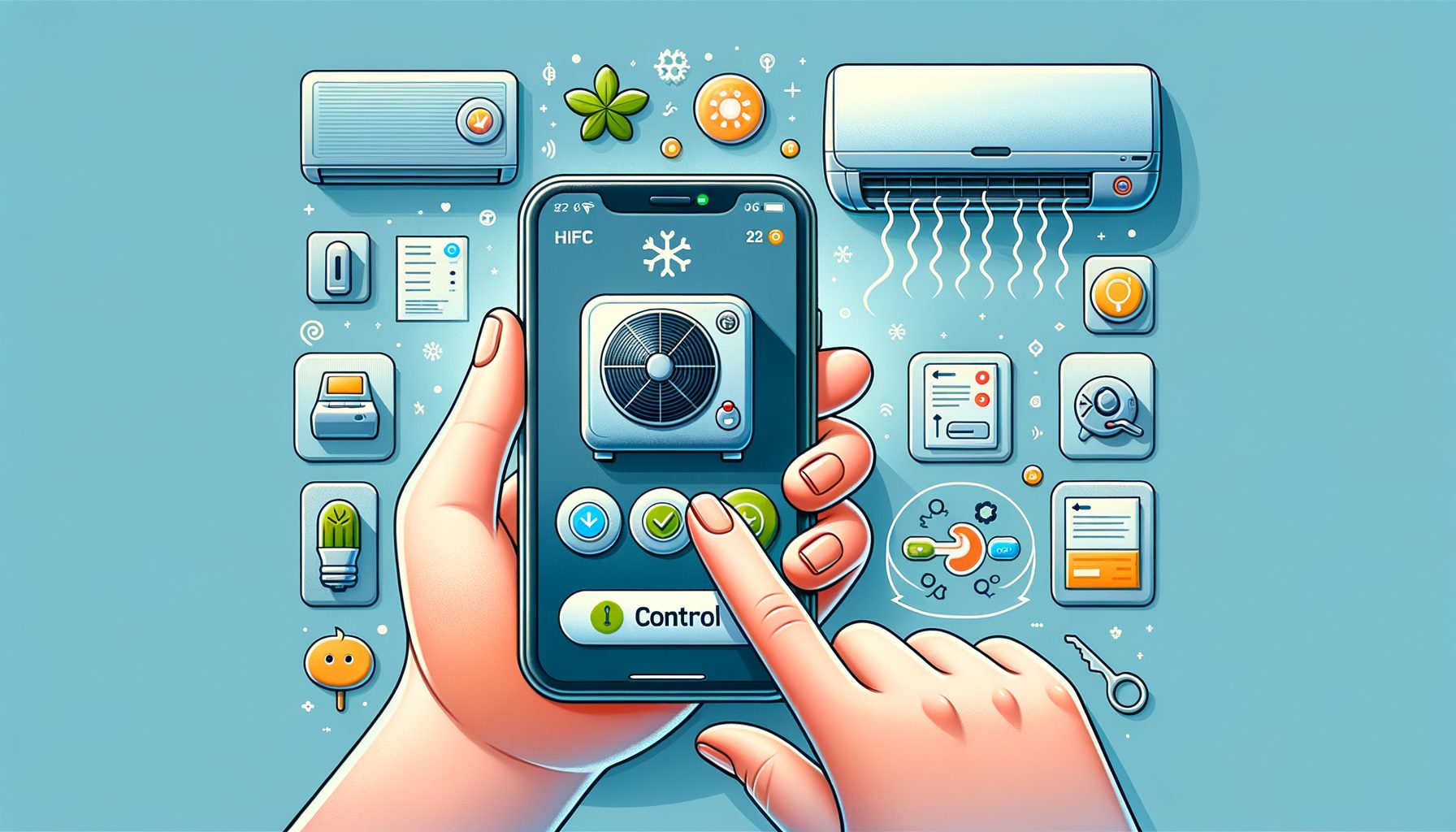
Want to run your air conditioner from your phone—without the stress, spare remotes, or wasted energy? You’re in the right place. Homes everywhere deal with rooms that run hot, bills that run higher, and the nagging chore of toggling the AC. With the right tools, you can tap your screen to stay comfortable, trim costs, and automate the routine. The guide below walks you through choosing the best path for your space, setting it up quickly, and keeping it secure—no tech background required.
Why remote AC control solves a real-world problem
Let’s start with the pain. You leave home and forget to shut the AC off. Or you return to a sauna and crank the unit to max—burning energy just to catch up. Such stop‑and‑go behavior is widespread and helps explain why cooling is the fastest‑growing use of electricity in buildings. The International Energy Agency notes that demand for space cooling is rising fast as more households add AC, straining grids during heat waves. The good news: smarter control offers an easy win for comfort, costs, and carbon.
Controlling the AC from your phone solves three everyday headaches. First, comfort on demand: pre‑cool the bedroom before you arrive, or slip into a low, quiet mode for a meeting. Second, set‑and‑forget efficiency: schedules, geofencing, and eco presets keep temperatures in check even when life gets busy. The U.S. Department of Energy estimates that changing your thermostat by 7–10°F for 8 hours a day can save up to 10% annually on heating and cooling; for AC in particular, nudging setpoints up by 1–2°F (0.5–1°C) often trims 3–5% per degree. Third, peace of mind: one glance at the app confirms off, on, or eco—no guessing.
What’s interesting too: different living situations benefit. Renters can drop in smart IR controllers—no drilling, no rewiring. Homeowners with central air might opt for a smart thermostat or a mini‑split‑friendly controller. In humid regions, “Dry” mode can be automated at night for better sleep. Pet owners gain the ability to check in and keep pets cool during heat waves, even when plans change. Travelers avoid the gut punch of a bloated bill after an AC runs all week by accident. In short, remote control turns a reactive chore into a set‑and‑forget system that matches your life.
Choose your path: smart ACs, IR blasters, smart plugs, or thermostats
There’s more than one way to bring an AC online. The right choice depends on your unit—window, portable, mini‑split, or central—and your budget. Below, you’ll find the most common routes, typical costs, and where each option shines.
1) Wi‑Fi “smart” air conditioners: Many newer window, portable, and split systems include built‑in Wi‑Fi plus a companion app. If you’re buying new anyway, you get the cleanest setup with the fewest add‑ons. Expect native scheduling, modes (Cool, Dry, Fan, Eco), and sometimes energy stats. Most tie into Google Home, Amazon Alexa, Samsung SmartThings, or Apple Home (brand dependent). The trade‑offs: higher upfront cost and reliance on the manufacturer’s app.
2) Smart IR (infrared) controllers for non‑smart units: If your AC uses a handheld IR remote (common with mini‑splits, window units, and portables), a smart IR blaster can mimic your remote and add app control, schedules, and voice commands to the unit you already own. Brands like Sensibo, Ambi Climate, Tado, and Cielo focus on AC‑specific commands such as temperature, mode, fan speed, and swing. Budget generic IR hubs cost less but may stumble with complex AC codes.
3) Smart plugs for simple window units: When a window AC has mechanical dials that return to the same state after power loss, a smart plug can handle remote on/off and schedules. It’s the lowest‑cost path, though it won’t change temperature setpoints or modes. Perfect for simple control or pairing with a separate room thermometer and basic routines.
4) Smart thermostats for central systems and some mini‑splits: Central air and certain ducted systems can be run by smart thermostats. For ductless mini‑splits, look for brand‑specific adapters or controllers. Robust scheduling, presence detection, voice control, and energy reports are typical. Families who prefer a wall control plus app access often love this route.
Here’s a quick comparison of your options. Well, here it is:
| Option | Typical Price (USD) | Compatibility | Pros | Limitations |
|---|---|---|---|---|
| Wi‑Fi Smart AC | $300–$900+ (new unit) | New window/portable/split units | Built-in app, full features, clean setup | Higher upfront cost; brand app lock-in |
| Smart IR Controller | $30–$150 | Units with IR remotes | Adds full control to existing AC; flexible | Needs line-of-sight; quality varies by brand |
| Smart Plug | $10–$25 | Mechanical-dial window units | Cheapest; easy schedules | On/off only; no setpoint control |
| Smart Thermostat | $100–$250+ | Central air; some mini-splits with adapters | Robust automation; integrates with home platforms | May require wiring; not for all unit types |
Tip: Check compatibility before buying. For IR controllers, confirm your brand/model is supported. For smart thermostats, verify your system type. Renters can stick with smart IR or smart plugs to avoid permanent changes. Platform fans should look for Works with Google Home (Google Home), Amazon Alexa (Alexa), Apple Home (Apple Home), or SmartThings (SmartThings) badges.
Step-by-step setup: from unboxing to your first cool breeze
Whether you’re pairing a smart AC, installing an IR controller, or plugging in a smart plug, the setup flow looks similar. Plan 15–30 minutes and keep your Wi‑Fi name and password handy.
1) Prep your network. Most smart AC gear connects to 2.4 GHz Wi‑Fi for better range. If your router combines 2.4 and 5 GHz under one name, it often works anyway; if pairing fails, split the bands temporarily or move closer to the router. A strong signal at the AC or controller location is key.
2) Install the app and create an account. Use the manufacturer’s app to add your device. For built‑in Wi‑Fi ACs, put the unit in pairing mode (check the manual). For IR controllers, place the device in the same room with clear line‑of‑sight to the AC’s IR receiver. During onboarding, your phone may briefly connect to a temporary device Wi‑Fi; Bluetooth, location, and local network permissions may be requested so secure onboarding can be completed.
3) Add your AC model. With IR controllers, you’ll choose your brand/model or “learn” buttons from the remote. Test power, temperature up/down, mode, and fan speed. With smart plugs, confirm that on/off control works as expected—mechanical dials must return to the previous state when power is restored.
4) Update firmware. After setup, check for updates. Reliability is often improved, bugs are fixed, and new features may be delivered.
5) Enable voice and platform integrations. Then this: link your device to Google Home, Alexa, Apple Home, or SmartThings to build scenes and use voice. Services like IFTTT (IFTTT) can add creative triggers (e.g., “If outside temperature exceeds 32°C, switch to Eco Cool”).
6) Build your automations. Start simple:
– Create a weekday schedule that raises the setpoint when you leave and cools 30 minutes before you return.
– Add geofencing so your AC turns off when everyone leaves the house and pre‑cools when anyone is heading home.
– Use “Dry” mode overnight in humid climates to improve sleep without overcooling.
– Set temperature caps so the AC never runs colder than needed.
7) Name and organize. Clear names like “Bedroom AC” help. Group devices by room in your platform app to simplify voice commands and routines.
8) Verify and tweak. Let the schedule run for a few days. Comfort, noise, and energy can be reviewed in most apps via runtime or usage estimates. Tweak setpoints by 1–2°F (0.5–1°C) to find your comfort‑efficiency sweet spot. If you want a reference, Energy Saver guidance suggests about 78°F (26°C) when you’re home in summer and higher when you’re away (DOE Thermostats).
Save energy, stay secure: pro tips for efficiency, privacy, and reliability
Small changes add up. Each degree Fahrenheit (about 0.5°C) that you raise the cooling setpoint can often cut energy use by roughly 3–5%. Try 26°C (78°F) while home and 28–29°C (82–84°F) when away, then refine. “Eco” or “Dry” modes, if available, reduce compressor load while taming humidity. If adaptive schedules are supported, let them learn for a week and review the rules afterward to keep control where you want it.
Combine software with quick hardware tweaks. Filters should be cleaned or replaced monthly during heavy use; airflow and efficiency suffer when they’re clogged. Seal gaps around window units and draw blinds during peak sun to limit heat gain. A ceiling or pedestal fan can let you raise the setpoint by 1–2°C while feeling just as cool. In multi‑room setups, close doors when cooling a single space so a small unit isn’t overworked.
Automation ideas that work: geofencing for auto‑away; “open window” routines that shut off the AC if a window sensor opens; season‑based schedules that favor “Dry” mode during monsoon or rainy periods; and “sleep profiles” that bump the temperature slightly in the early morning. Comfort is maintained, energy is saved, and the patterns are easy to test.
Security and privacy matter. Strong, unique passwords should be created for each app, and two‑factor authentication enabled when offered. Keep device firmware and your router software up to date. Use WPA2 or WPA3 on Wi‑Fi and consider placing smart home devices on a separate guest or IoT network. Review what data is shared—usage logs, location, diagnostics—and disable anything you don’t need. The Wi‑Fi Alliance explains current wireless security standards (Wi‑Fi Security), and independent resources like Mozilla’s Privacy Not Included can help you assess a product’s privacy posture (PNI).
Finally, consider ecosystem fit and longevity. Local‑control fans and tinkerers may prefer Home Assistant for advanced, privacy‑forward automation (Home Assistant). If you want something simple and cloud‑first, choose a brand with solid app reviews and a clear update record. And when buying a new AC, ENERGY STAR certified models lock in lower operating costs from day one (ENERGY STAR).
Q&A: common questions about controlling your AC from a phone
Can I make a “dumb” AC smart? Yes. If your air conditioner uses an IR remote (most mini‑splits, many window and portable units), a smart IR controller can mirror those commands and add app, schedule, and voice control. If your window unit has mechanical dials that resume the last state after power loss, a smart plug provides simple on/off scheduling. Central systems can be upgraded with a smart thermostat for remote control and automation.
Do I need a special router or 5G home internet? No special router is required. Most smart AC devices use 2.4 GHz Wi‑Fi, which offers longer range than 5 GHz. Ensure good signal near your AC or controller. If pairing fails on a combined 2.4/5 GHz network, try separating the bands temporarily, moving closer to the router, or disabling “Wi‑Fi 6 only” during setup.
Will remote control increase my energy bill? Used wisely, it usually lowers it. Scheduled setpoints, geofencing, eco modes, and humidity control reduce runtime. The U.S. DOE indicates that turning your thermostat up by 7–10°F for 8 hours a day can save up to 10% annually on heating and cooling. With AC, a 1–2°F (0.5–1°C) higher setpoint often saves 3–5% per degree. Automations make those savings automatic.
Is geofencing safe for privacy? Geofencing uses your phone’s location to trigger rules (like turning the AC off when you leave). It can be privacy‑friendly if handled locally or with clear data practices. Review the app’s privacy policy, disable sharing you don’t want, and restrict location access to “While Using the App” or turn off “Precise Location” if supported. Prefer not to use location? Schedules or a simple “Away” button work well.
I rent. Can I set this up without drilling or wiring? Absolutely. Smart IR controllers are small, plug in via USB, and sit on a shelf with line‑of‑sight to the AC. Smart plugs work for mechanical‑dial window units. Both require zero permanent changes, and both can be packed and reused at your next place.
Conclusion: take control of your comfort and your costs—starting today
Here’s the big picture. Cooling is essential for comfort and health, yet traditional on/off habits waste energy and money. Bring your AC online and you get smarter control—schedules, geofencing, voice, and data that help you tune your space. We covered why remote control matters, the main paths—built‑in Wi‑Fi units, smart IR controllers, smart plugs, and smart thermostats—plus a practical setup checklist and pro tips for efficiency, privacy, and reliability. The tools are ready, affordable, and renter‑friendly.
Your next step is simple: pick the path that matches your AC. If you already have a Wi‑Fi unit, install the app and create your first weekday schedule. If not, grab a reputable smart IR controller (e.g., from Sensibo, Cielo, Tado, or Ambi Climate) or a smart plug for a basic window unit. Set one automation today—raise the setpoint when you leave and cool 30 minutes before you return. Then adjust by 1–2°F (0.5–1°C) over a week to find your comfort‑efficiency sweet spot.
Make it yours. Integrate with Google Home, Alexa, Apple Home, or SmartThings for voice and scenes. Add a simple rule: turn on “Dry” mode at bedtime in humid weather. Clean your filter this weekend. Review your app’s privacy settings and enable two‑factor authentication. These small moves add up to lower bills, steadier comfort, and fewer hassles.
If you’re ready to feel the difference, start now: choose your device, set your first schedule, and enjoy walking into a room that’s already just right. Comfort should be simple, efficient, and in your pocket. What room will you upgrade first?
Useful links mentioned: IEA on global cooling demand (The Future of Cooling), DOE thermostat guidance (Energy Saver), ENERGY STAR (ENERGY STAR), Google Home (Google Home), Amazon Alexa (Alexa), Apple Home (Apple Home), SmartThings (SmartThings), IFTTT (IFTTT), Wi‑Fi Security (Wi‑Fi Alliance), Privacy Not Included (Mozilla), Home Assistant (Home Assistant), Sensibo (Sensibo), Cielo (Cielo), Tado (Tado), Ambi Climate (Ambi Climate).
Sources: International Energy Agency, “The Future of Cooling” (2018). U.S. Department of Energy, “Thermostats” (Energy Saver). ENERGY STAR resources on efficient cooling and smart thermostats. Manufacturer documentation for Google Home, Amazon Alexa, Apple Home, and Samsung SmartThings. Wi‑Fi Alliance security guidance. Mozilla Foundation’s Privacy Not Included product research.